Never open a box again just to check what's inside

Scan Your Boxes is an iPhone and iPad app that turns every moving box, storage bin and garage crate into a searchable inventory. Photograph what goes in, stick a QR code on the outside, and scan it any time to see everything the box holds.

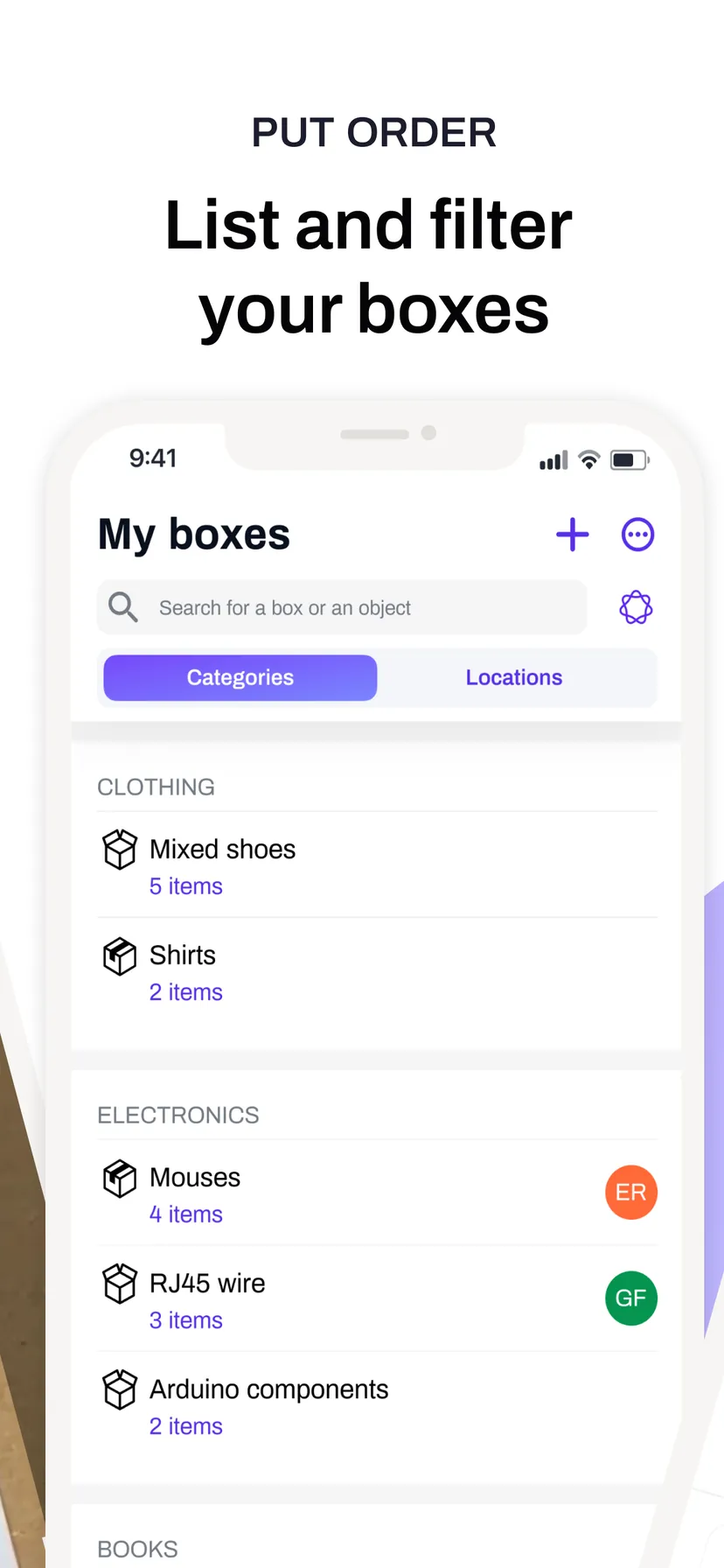
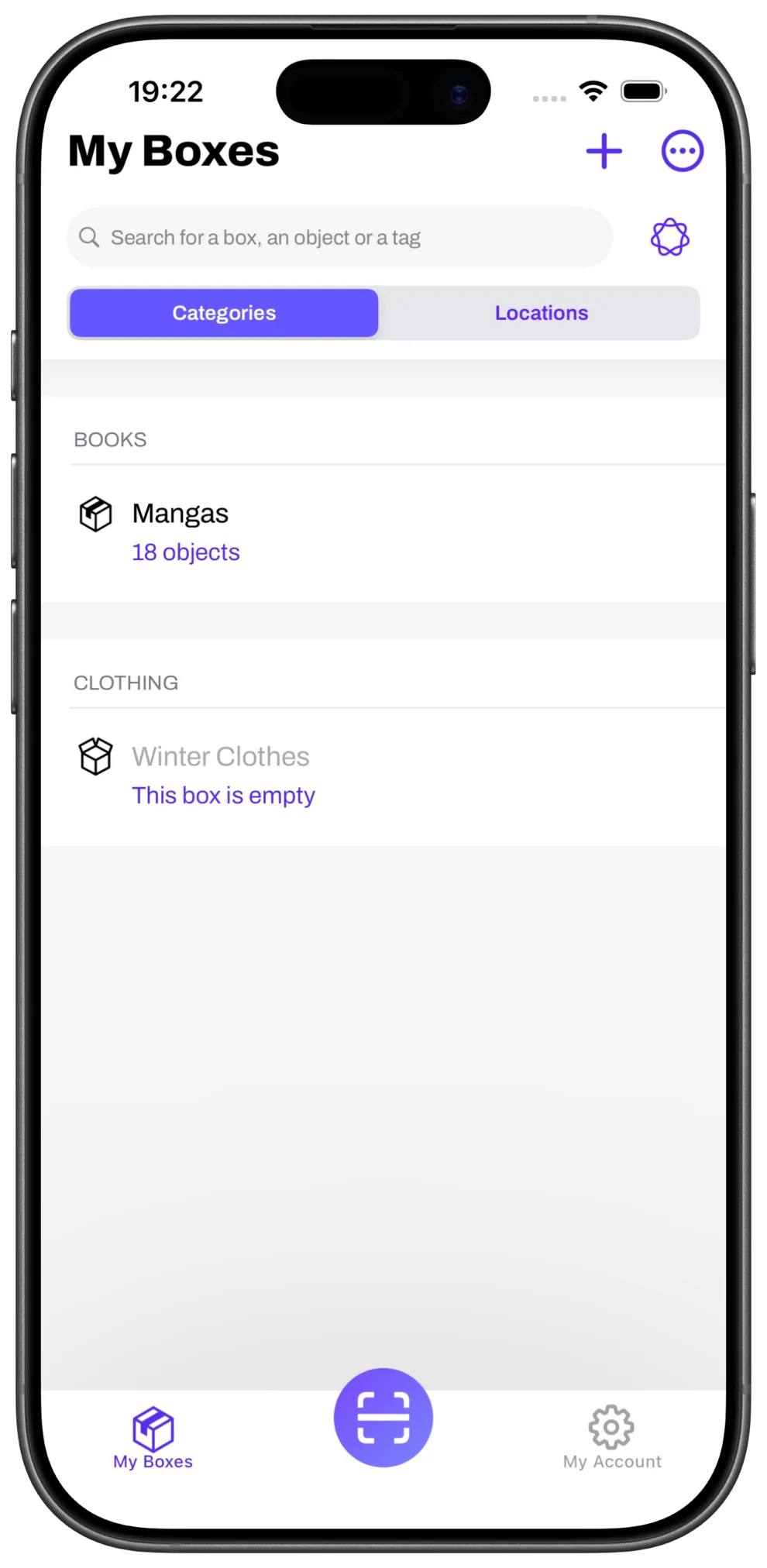
The Scan Your Boxes app listing every box, sorted by category, with the number of items in each
HIGHLIGHTS

Features you love

Smart Search

Ask in plain words — where are my winter clothes? — and Apple Intelligence finds the right box

Smart tags

Photograph an item and the app suggests the right tags for it, on its own

Statistics

How many boxes, how many items, what it is all worth. Free on every plan

PDF & CSV export

Export the whole inventory, with or without photos — ready for an insurance claim

Label sheets

Print QR labels in portrait, landscape or square, sized for Avery paper

Share with 15

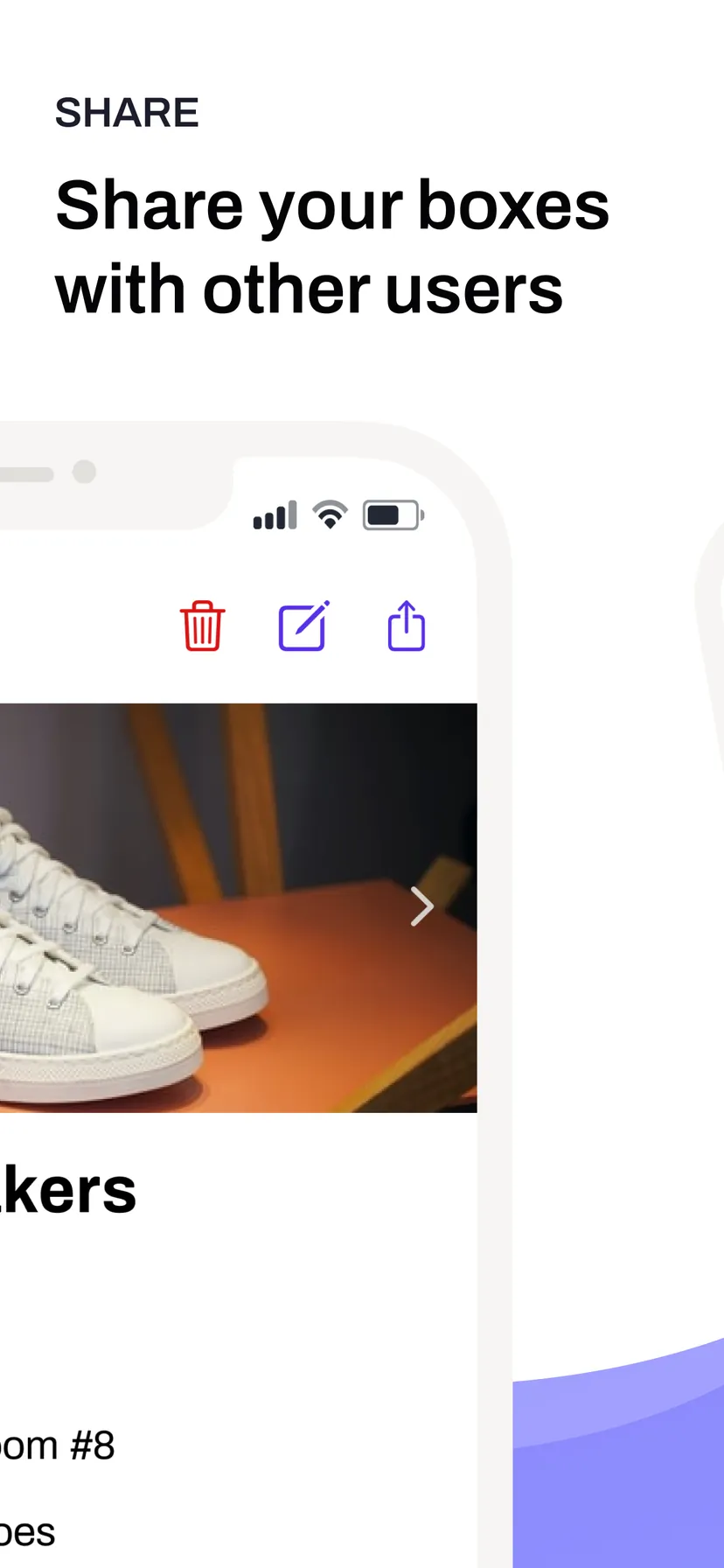
Give up to 15 people access to your boxes. Only you pay — guests never do

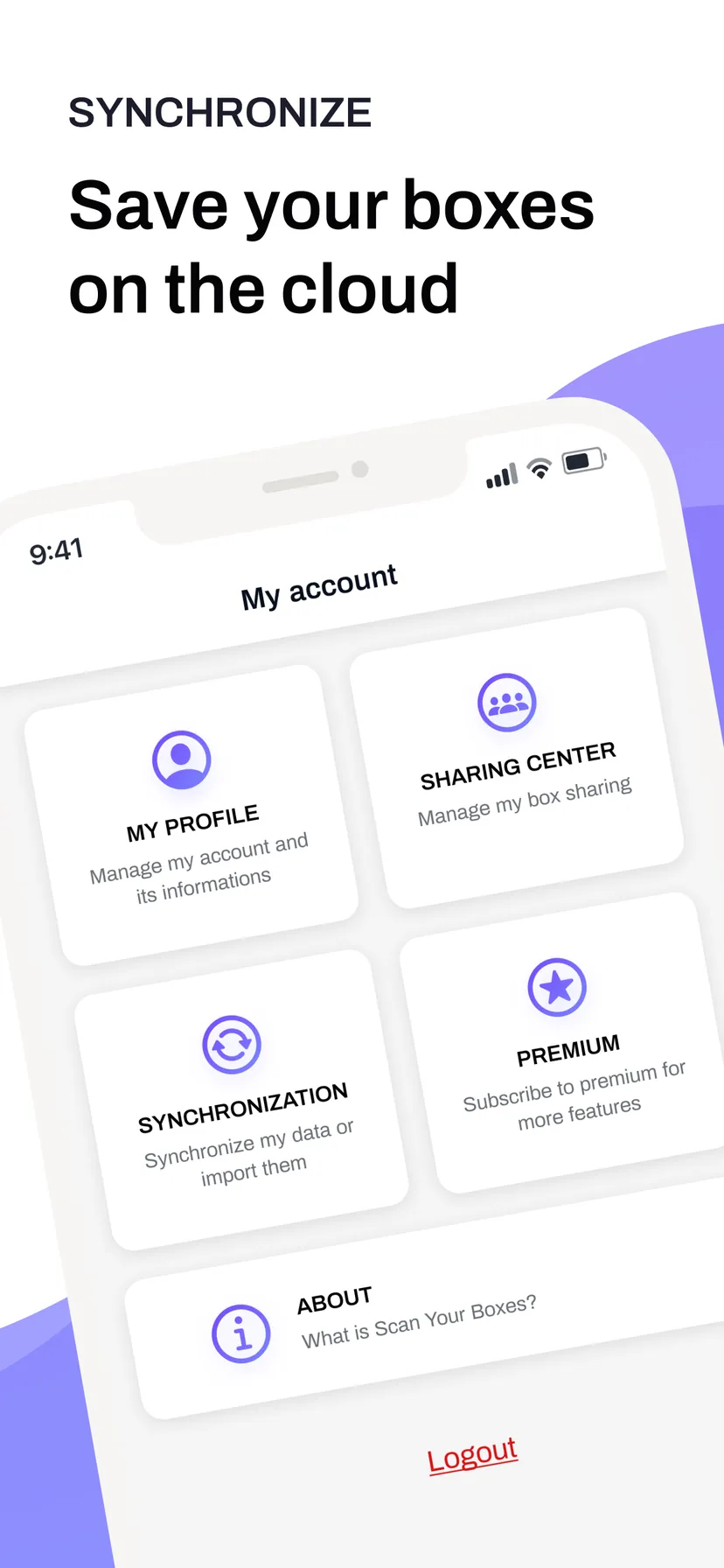
Sync & backup

Cloud sync across devices, iCloud backup, and everything still works offline

Private by design

Face ID, encrypted storage, and AI that runs on your iPhone — never on a server

  • 1
    Create a box

    Simply create a box by choosing a location and the type of objects inside.

  • 2
    Add some objects

    Add objects in your new box. You can do it one by one or all in one shot.

  • 3
    Print the QR Code

    Print the QR Code directly from the app or send it by email. You paste it on your box to be scanned later.

  • 4
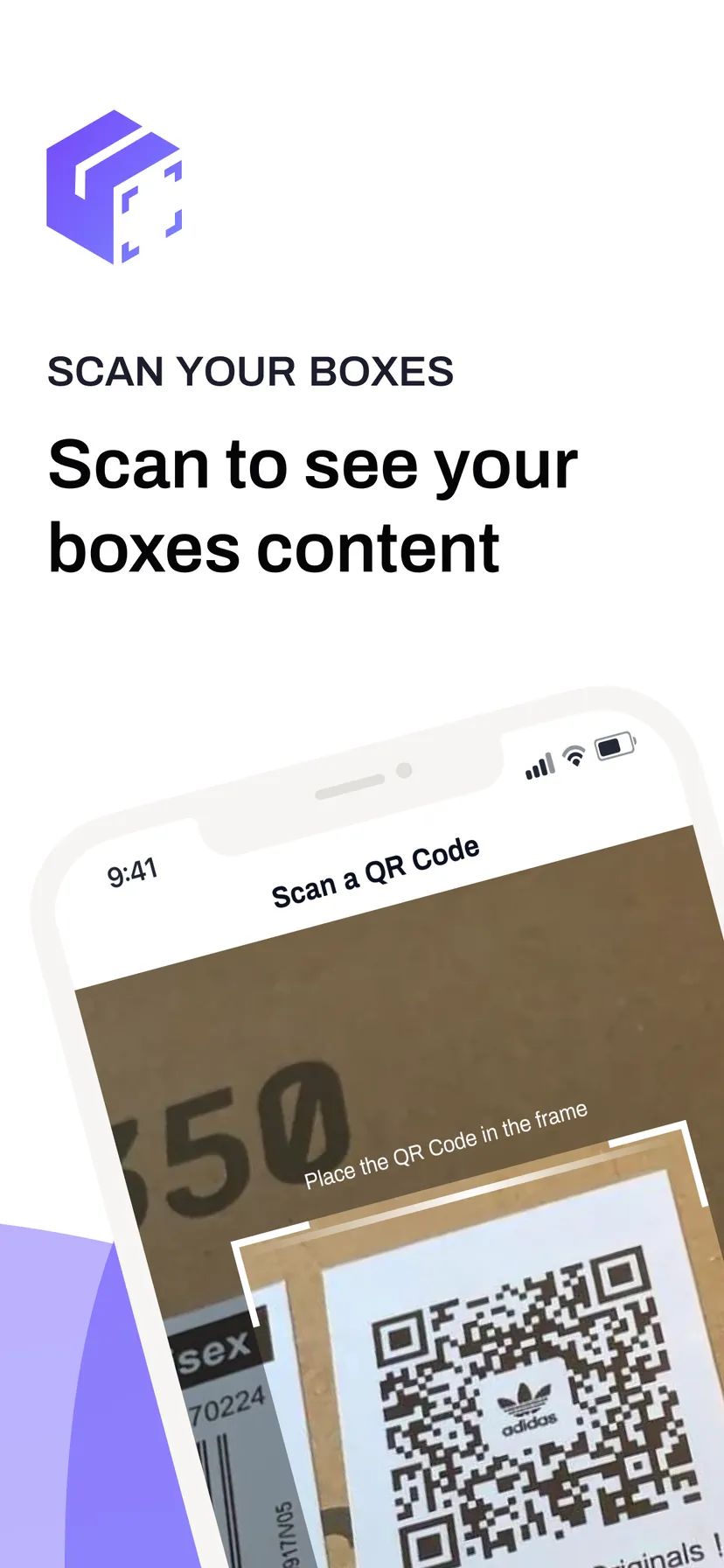
    Scan the QR Code

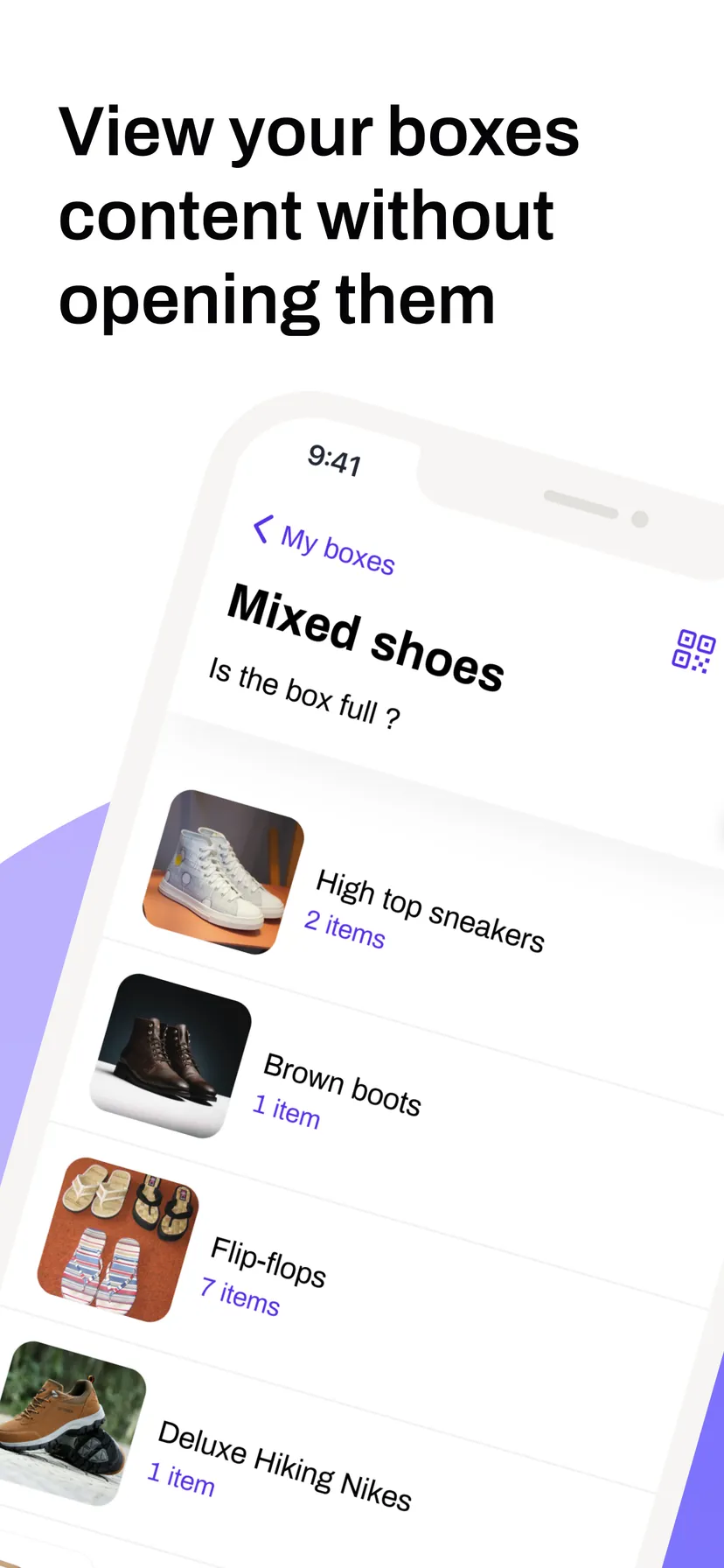
    A simple scan of the QR Code on your box will show you the objects that are inside!

  • 5
    All your boxes content immediatly accessible

    Browse your boxes content directly within the app and found where what your are looking for is.

The app’s box list, with the search field and the scan button
WHEN YOU NEED IT

Three moments things get boxed up

Moving house

Print the labels before you start and stick one on each box as you seal it. When the truck unloads, you know which box holds the kettle without opening six of them — and so does whoever is helping you, if you share the boxes with them.

Storage, garage and attic

A cellar or a storage unit you visit twice a year is where things disappear. Scan the code on the front of the stack and you know what is inside without unstacking anything. Locations and categories keep the whole lot browsable.

Home inventory for insurance

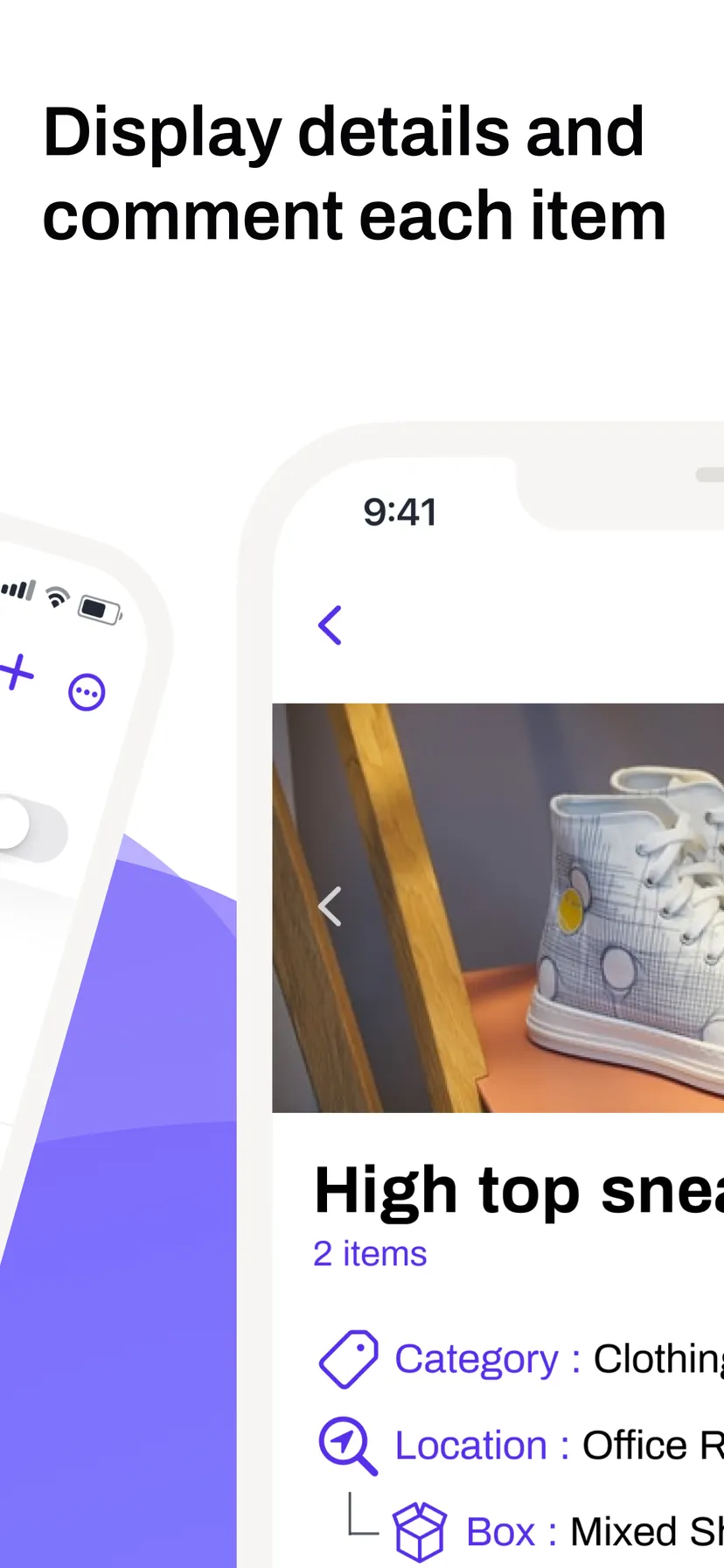
Photograph what you own, record quantities and what each item is worth, then export a dated PDF or CSV. If you ever have to make a claim, the evidence is gathered in advance rather than reconstructed from memory.

COMPARISON

Against the usual alternatives

  Scan Your Boxes Photos in a folder A spreadsheet
Finding what is in a sealed box Scan the label on the box Scroll and guess Only if you typed it in
Effort per box Photograph the items, tags are suggested Take a photo Type every item by hand
Works from the box itself Yes, through its QR code No No
Searching by meaning Plain language, on the device No Exact words only
Export for an insurance claim PDF or CSV, with values No Manual
Sharing with family Up to 15 people, same live data Send the files Send the file
PLANS

What is free and what is not

Free

Up to 4 boxes, with as many items inside each as you like. Everything else is included: scanning, QR label printing, smart search, smart tags, statistics, and PDF and CSV export. Your data stays on the device.

Unlimited boxes

A single one-time purchase that removes the 4-box limit for good. No subscription, no renewal. Your boxes still live on the device only, which is what most people want.

Cloud sharing

A monthly subscription in three sizes — 2, 5 or 15 invited people. It adds cloud sync across your devices and shared access for the people you invite, who never pay anything. Up to 200 boxes.

Prices are set through the App Store and shown in your own currency, so they differ by country and are adjusted by Apple over time. The current amount for your country appears in the app and on the App Store listing before any purchase.

FAQ

Frequently Asked Questions

How many boxes can I create for free?

Four. The free version lets you create up to 4 boxes, with no limit on the number of items you put inside them. A one-time in-app purchase unlocks unlimited boxes on your device, and cloud plans allow up to 200.

Do the people I share with have to pay?

No. Only the account owner pays. Invited people install the app, enter your invite token, and get access to your boxes straight away — they can view, add, edit and delete items without any subscription of their own.

Is my inventory sent to a server?

Only if you subscribe to a cloud plan. Without one, everything stays on your device. The AI features — natural-language search and photo tag suggestions — always run entirely on your iPhone, so your inventory is never sent anywhere for them.

Can someone else scan my QR Code?

No. A QR code is only a reference to a box in your own account. Someone who scans a label without access to your account sees nothing, and each code can be linked to a single box only.

Can I use my own QR codes?

Yes. The app generates a code for every box, but you can scan and assign a code you already have instead — useful when your boxes are labelled already. A code that is taken by another box is refused.

What paper should I print the labels on?

The app produces label sheets in portrait, landscape and square formats, sized for Avery-compatible labels. Print at 100% scale: reducing the size or using “fit to page” changes the dimensions and can make codes harder to scan.

Does the app work offline?

Yes. Creating boxes, adding items, scanning codes and searching all work with no connection at all. If you have a cloud plan, your changes sync automatically the next time you are online.

Can I export my inventory for insurance?

Yes. Export everything as a PDF, with or without photos, including quantities and values, or as a CSV to open in a spreadsheet. Both are made for insurance claims, moving quotes and household inventories.

What happens if my subscription expires?

Your boxes stay in the app on your device. Cloud storage and sharing stop, and your data is removed from our servers within two weeks. The app offers to back everything up to iCloud first, so nothing is lost.

What happens when I change iPhone?

With a cloud plan, your boxes appear on the new device as soon as you sign in. Without one, use “Save on iCloud” in the app before switching, then “Import from iCloud” on the new phone.

Do I need an account?

No. You can use the app without one, and your boxes are stored on your device. An account is only needed to sync your boxes to the cloud and to share them with other people.

Which version of iOS do I need?

iOS 17.6 or later, on iPhone or iPad. Smart Search additionally needs iOS 26 or later on a device that supports Apple Intelligence; where it is unavailable, the app falls back to keyword search.

Is there an Android version?

No. Scan Your Boxes is built for iPhone and iPad only, and there is no Android version. The app relies on Apple frameworks such as Apple Intelligence and Vision that have no direct equivalent elsewhere.
Download Anywhere

Available on iPhone and iPad. Organize your home and find your belongings without opening a single box.

Download on the App Store

*Requires iOS 17.6 or later.